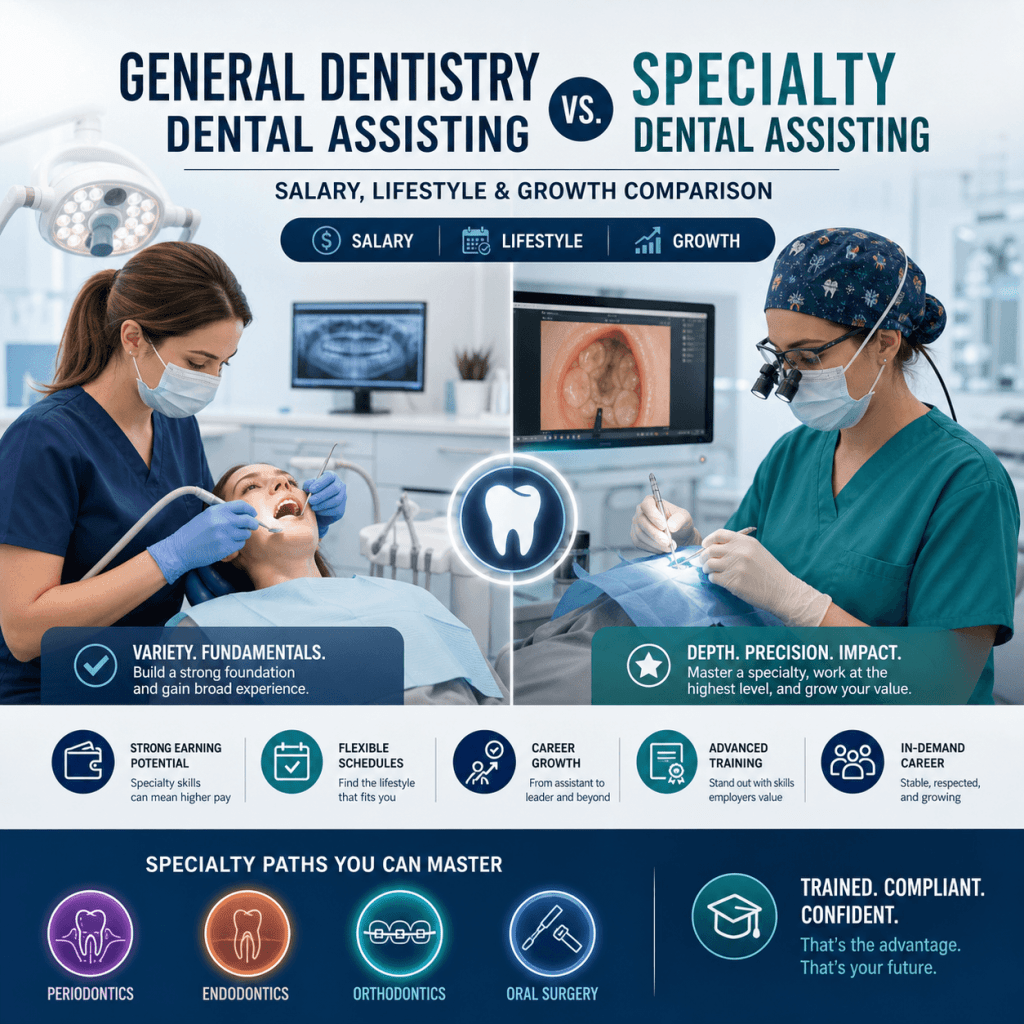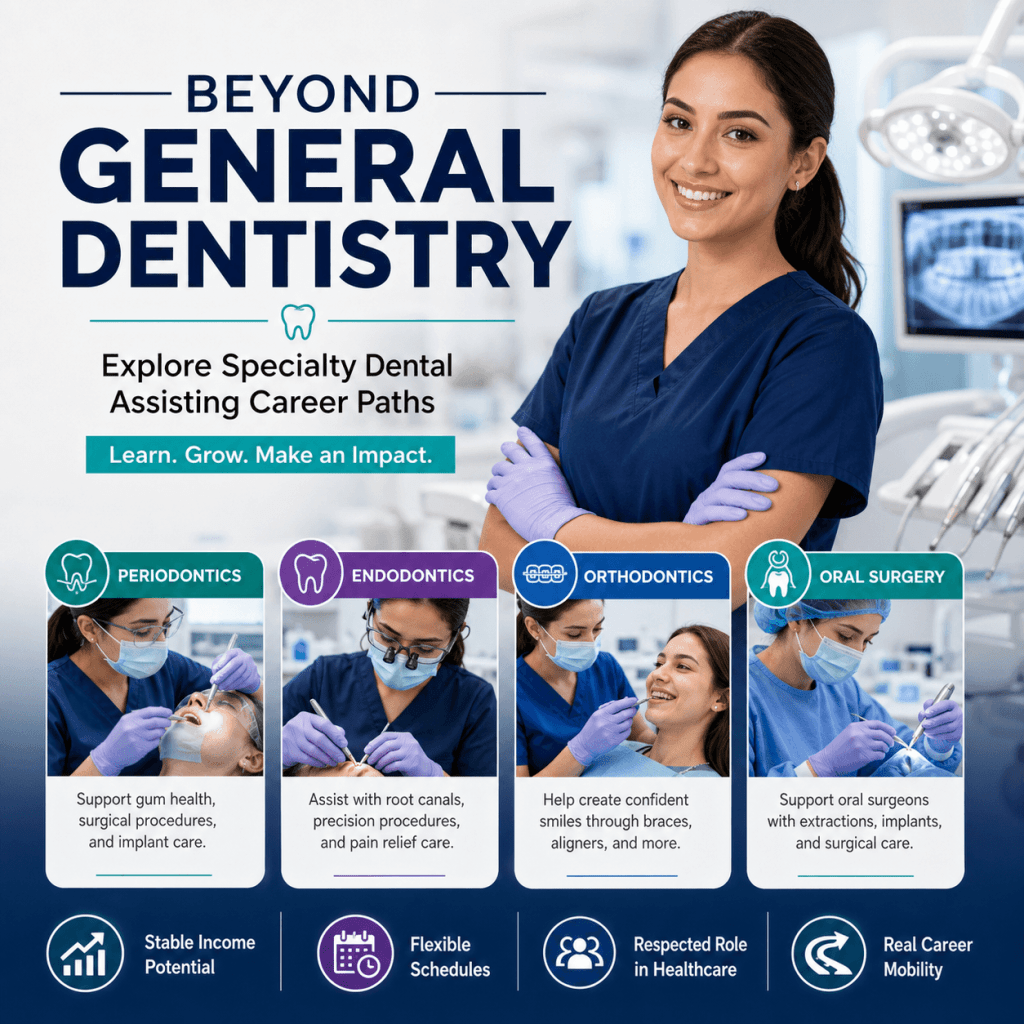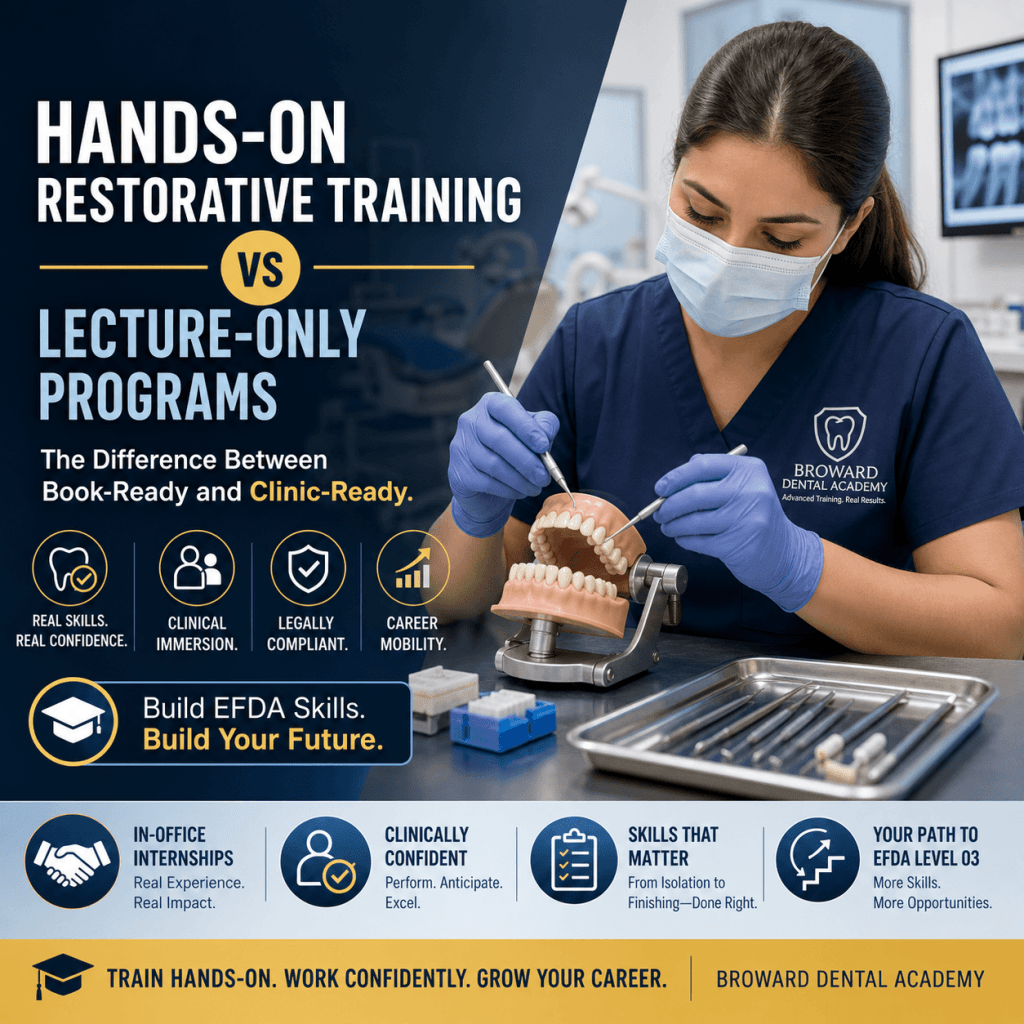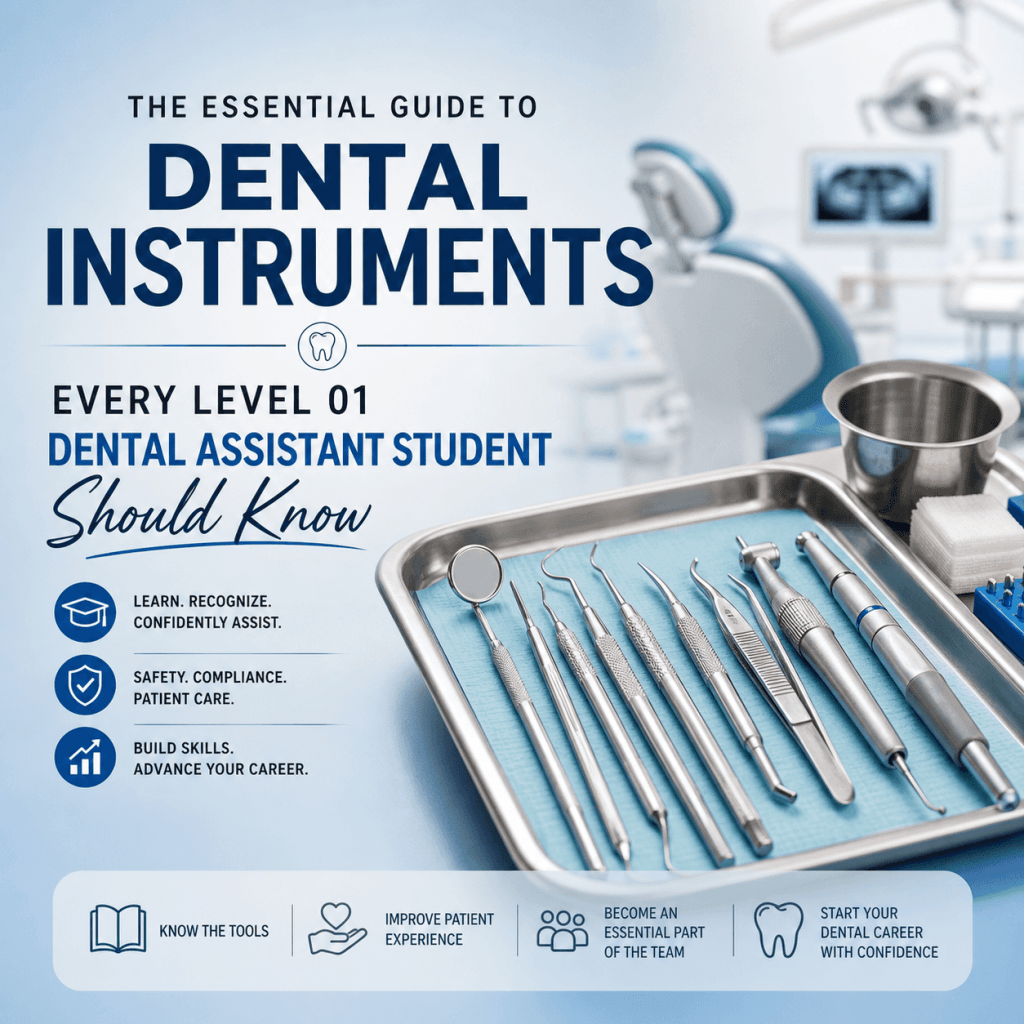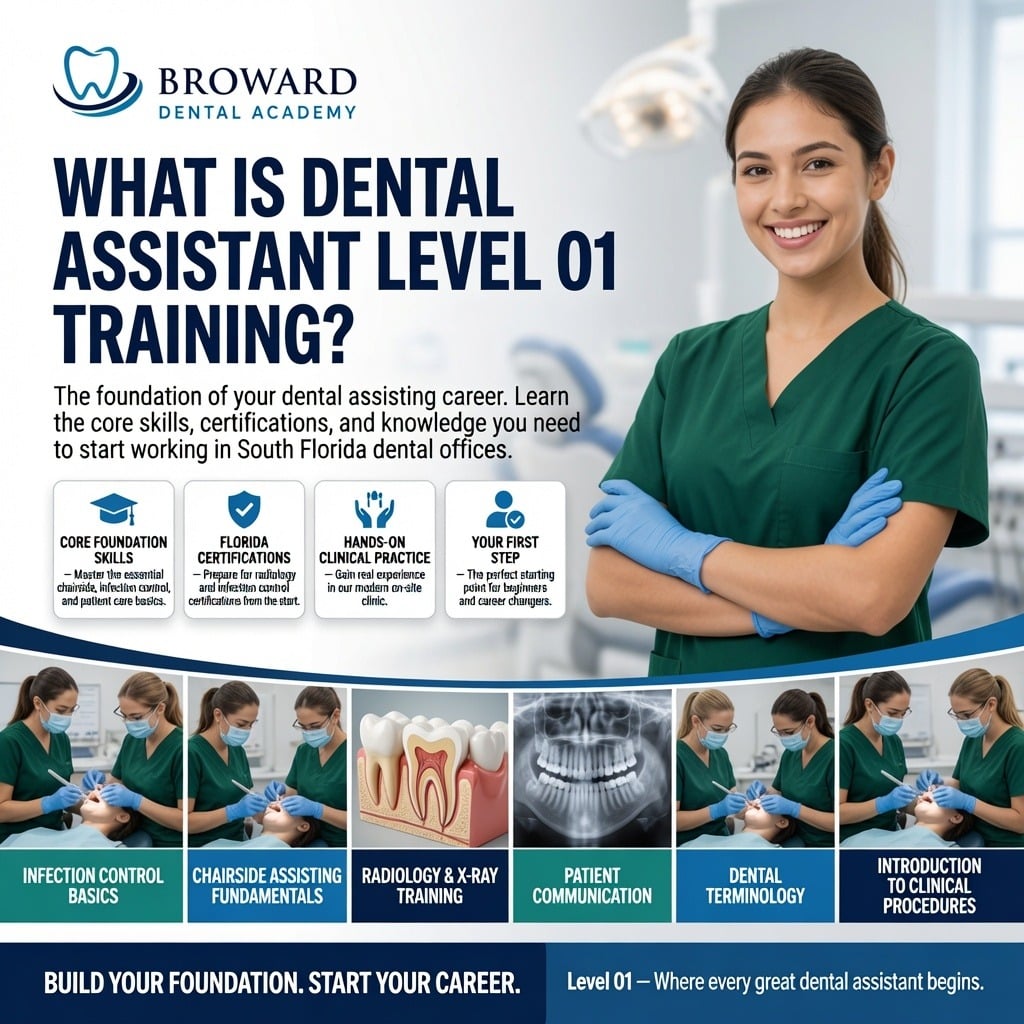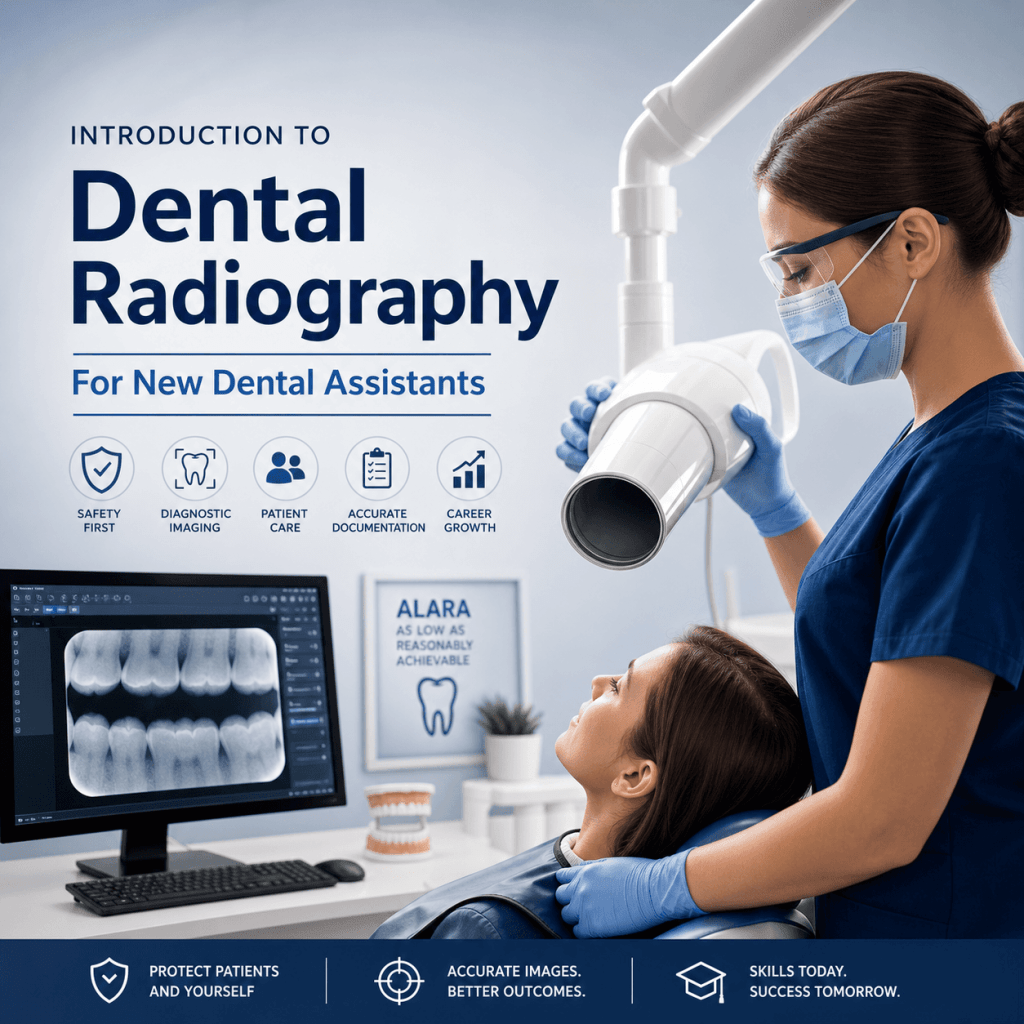
Below is a practical introduction designed for new dental assistants who want to feel confident, compliant, and ready for real clinical pace.
This guide serves as an essential resource for understanding dental radiography for new dental assistants.
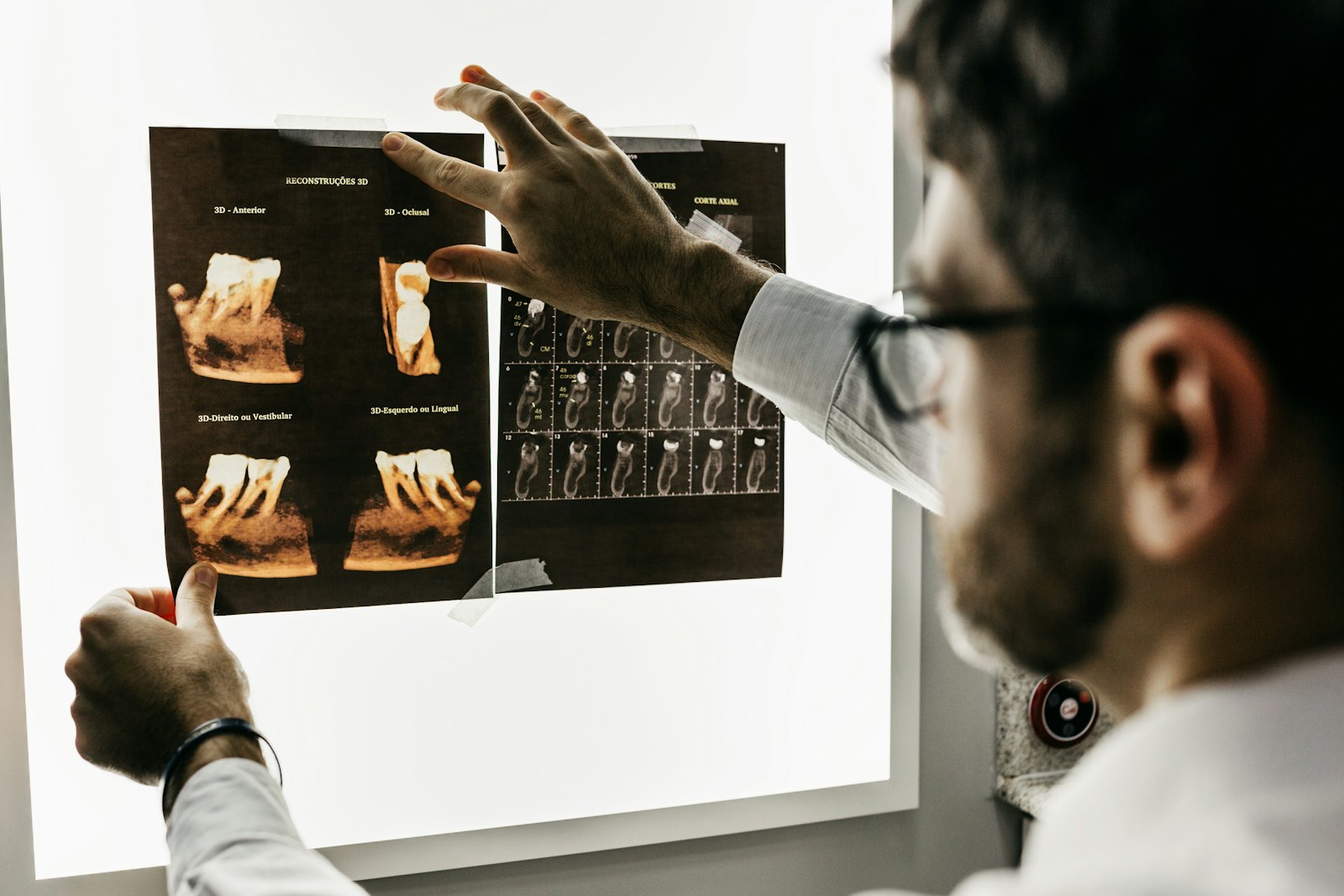
Why dental radiography matters (and why new assistants need to learn it early)
Dental radiographs are not “extra” images. They are core clinical information that supports everyday dentistry.
In a typical practice, X-rays help the dentist and clinical team:
- Diagnose problems that cannot be seen during a visual exam, including interproximal decay, bone loss, abscesses, impacted teeth, and pathology.
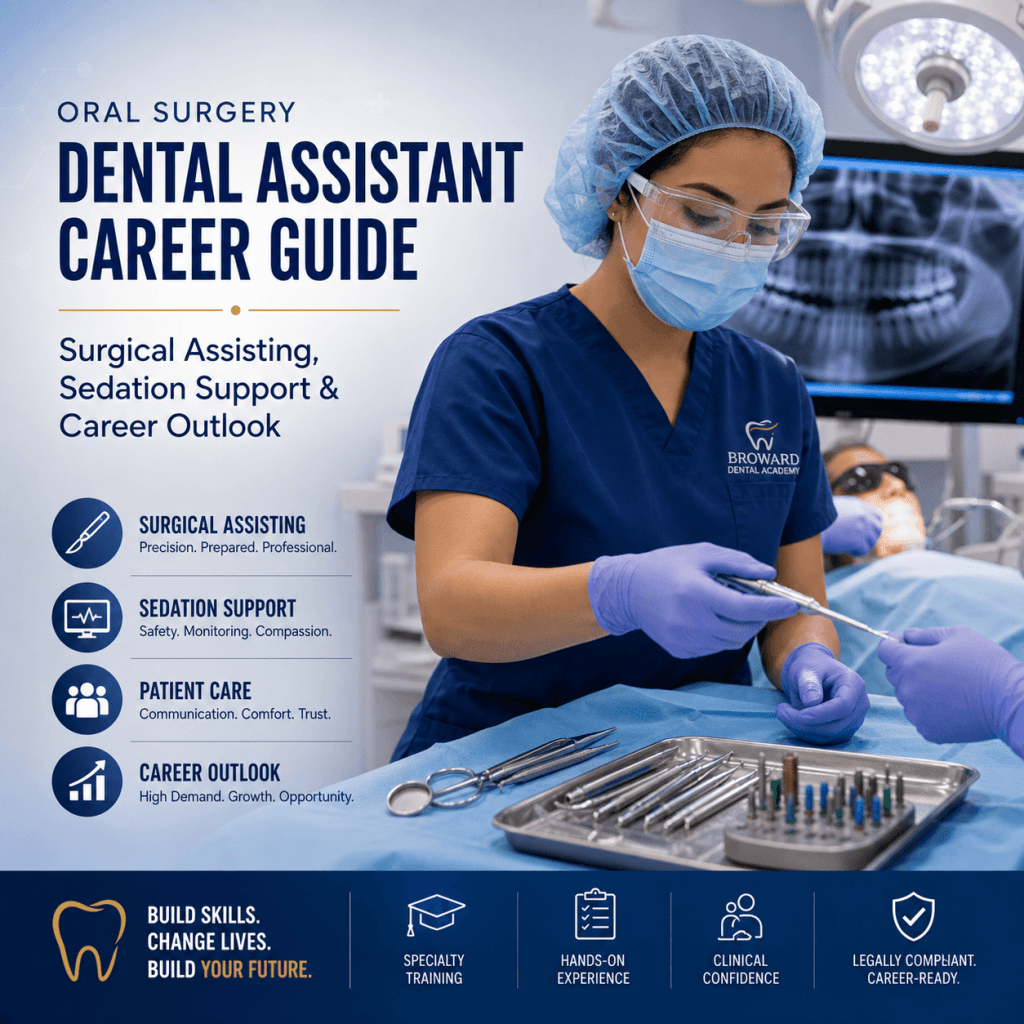
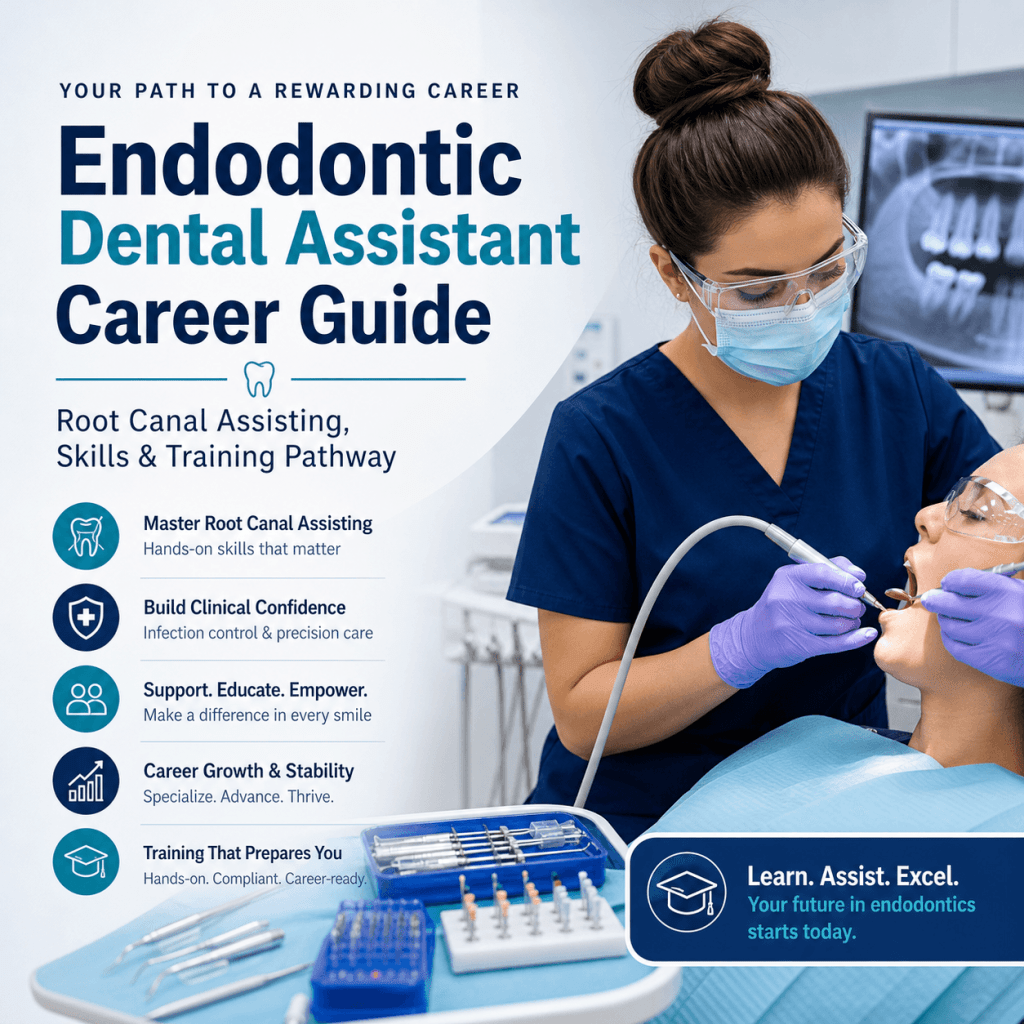
- Plan treatment with better accuracy. For instance, accurate imaging is crucial in fields such as oral surgery, endodontics, and periodontics, where precise diagnosis and treatment planning are essential.
- Educate patients with visuals. Many patients understand their condition faster when they can see it.
- Document care for clinical decision-making, insurance communication, and legal records.
Radiology also fits directly into the daily workflow of a modern office. A strong assistant understands the full chain, not just “pressing the button”:
- Room setup and infection control
- Patient preparation and positioning
- Image capture
- Image review, labeling, and charting
- Communication with the dentist and team
From a career standpoint, radiography is one of the clearest ways to become more valuable quickly. Dental practices want assistants who are thoroughly trained, legally compliant, and clinically confident, and radiography is a major part of that expectation.
It also matters because dentistry is one of the fastest-growing healthcare fields. It offers stable income potential, flexible schedules, career mobility, and opportunities for expanded functions especially for assistants who can perform core clinical tasks smoothly like those in test situations which often include various hands-on procedures or diagnostics that require thorough training and confidence.
Dental radiography 101: the basics you’ll hear on day one
A dental X-ray is a type of imaging that uses a low dose of ionizing radiation to create an image of teeth and supporting structures. The word radiograph refers to the image produced.
Here is the high-level concept behind how X-rays work:
- The X-ray machine produces a beam.
- The beam passes through the mouth and surrounding tissues.
- Dense structures (like enamel and bone) absorb more radiation, so they appear lighter on the image.
- Less dense areas (like soft tissue and air spaces) absorb less, so they appear darker.
- A receptor (sensor, phosphor plate, or film) captures the pattern so it can be viewed and stored.
In entry-level assisting, you will hear two big categories right away:
- Intraoral radiographs: the receptor is placed inside the mouth (bitewings, periapicals, occlusals).
- Extraoral radiographs: the receptor is outside the mouth (panoramic, cephalometric, CBCT in some offices).
As a new assistant, set the right expectation early: accuracy, safety, and consistency matter more than speed. Speed comes naturally after your technique becomes reliable.
Meet the equipment: dental X-ray machines and the imaging chain
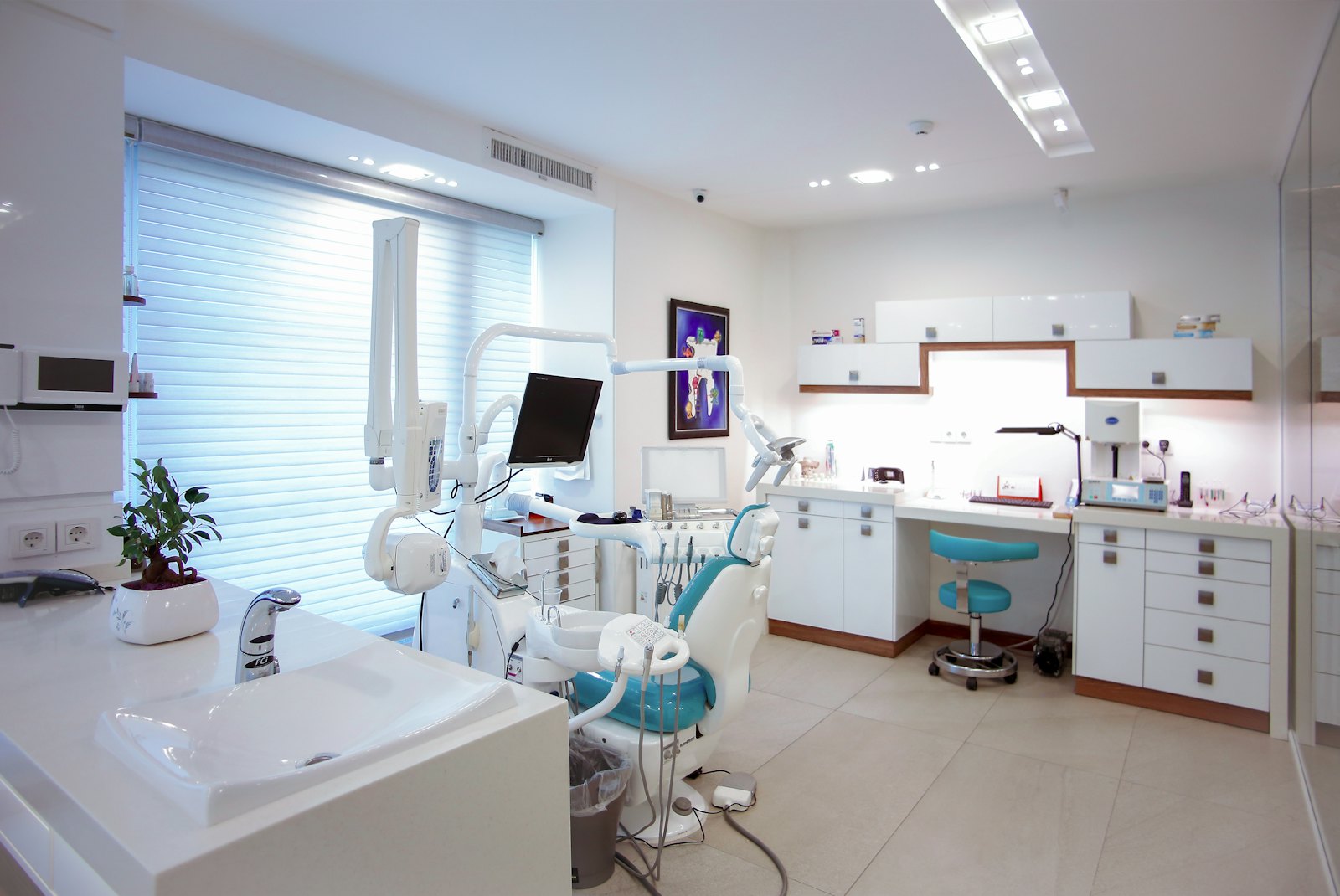
Most dental offices use a wall-mounted intraoral X-ray unit, and many also have a panoramic unit. No matter the brand, the parts are usually familiar.
If you’re interested in pursuing a career in dental assisting with a focus on radiography, it’s essential to get certified. You can explore various certifications that can enhance your credentials. Additionally, consider enrolling in specific courses that cover essential topics such as dental radiography. Check out the courses offered by reputable institutions for comprehensive training. If you’re looking for dental assistant programs or courses in your area, numerous locations provide these educational resources; you can find more information about available locations.
As a new dental assistant, it’s vital to understand the role of dental radiography for new dental assistants in providing accurate diagnoses and ensuring effective treatment planning.
Main parts of a dental X-ray machine
- Tube head: contains the components that produce X-rays.
- PID (position-indicating device): the cone that aims the beam; can be round or rectangular.
- Control panel: where you select exposure settings.
- Exposure button: must be pressed and held to activate the exposure.
- Mounting/arm: allows the tube head and PID to be positioned.
Some practices also use portable units, especially in specialty settings. If you ever use one, follow your state rules and office protocol closely because operator safety practices become even more important.
The imaging “chain” (how an X-ray becomes a charted record)
- X-ray source (tube head)
- Patient positioning (head and receptor alignment)
- Receptor (sensor, phosphor plate, or film)
- Processing/software (digital image appears)
- Final image review (quality check)
- Storage/charting (labeled and saved correctly)
Sensors, phosphor plates, and film: what to recognize
- Digital sensors: rigid or semi-rigid; images appear quickly; require careful handling to avoid damage.
- Phosphor plates (PSP): flexible like film; scanned after exposure; easier for many patients to tolerate.
- Film: less common today; requires chemical processing.
Your practical goal is simple: produce consistent diagnostic images with minimal retakes. That saves time, improves patient comfort, reduces radiation exposure, and keeps the schedule on track.
In addition to these components and processes, it’s crucial to understand the potential risks associated with dental X-rays, such as radiation exposure. Therefore, maintaining safety protocols during X-ray procedures is paramount.
Radiation safety fundamentals every assistant must follow
Radiation safety is not just a rule. It is a habit, and patients notice when you treat it seriously.
A helpful way to think about radiation safety is the ALARA or ALADA concept: use the lowest exposure needed to produce a diagnostic image.
Patient protection basics
- Follow office protocol for lead apron and thyroid collar use.
- Place the receptor correctly the first time to avoid retakes.
- Use holders and aiming devices when possible to improve alignment and reduce errors.
- Confirm whether the patient has any factors that affect positioning (pain, limited opening, gag reflex) so you can plan your approach.
Operator protection basics
- Stand behind a protective barrier when available.
- If there is no barrier, stand at the recommended distance and angle from the beam.
- Never hold the tube head or the receptor during exposure.
- Never ask the patient or a family member to hold the receptor.
Strong safety habits protect the patient, protect you, and reinforce a compliance culture in the practice.
Legal and ethical responsibilities: what you can do, what you must document
Radiography rules vary by state and may also vary by practice policy. Your responsibility is to follow:
- The dentist’s direction and supervision
- Your state’s training and credential requirements
- Office protocols for safety, documentation, and image handling
Informed cooperation (how to explain X-rays without diagnosing)
Patients often ask, “Why do I need X-rays?” Your role is to explain the purpose in simple terms, for example:
- “These images help the doctor check for cavities between the teeth and look at the bone supporting your teeth.”
- “This helps us see areas we cannot see with the mirror.”
Avoid diagnosing or promising outcomes. Keep it clear, calm, and within your scope.
Documentation essentials
Good documentation protects the patient and the practice. Depending on your office system, you may need to record:
- What images were taken (series/type)
- Any challenges (gag reflex, limited opening, anatomy issues)
- Any retakes and why they were necessary
- Notes that help the dentist interpret the situation efficiently
Ethical basics
- Respect privacy and follow HIPAA rules and office policies.
- Chart accurately and consistently.
- Never alter images in a misleading way. Adjustments for viewing are different from changing meaning.
The images you’ll take most often: intraoral radiographs (bitewings, periapicals, occlusals)
Intraoral radiographs are the “daily drivers” in most general practices. If you master these, you will immediately feel more capable chairside.
Bitewings (BWs)
What they show:
- Interproximal caries (between the teeth)
- Existing restorations and recurrent decay
- Crestal bone levels (helpful for periodontal evaluation)
When they are common:
- Recall visits and periodic exams
- New patient records depending on dentist preference and risk factors
Horizontal vs. vertical bitewings:
- Horizontal bitewings are most common for general decay detection.
- Vertical bitewings are often chosen when bone loss is a concern because they capture more of the alveolar crest and supporting bone.
For more detailed guidelines on handling dental office documents and following ethical standards, refer to this SOP Manual.
Periapicals (PAs)
What they show:
- The entire tooth, including root and apex
- Periapical area and surrounding bone
Common indications:
- Localized pain or suspected infection
- Endodontic evaluation
- Pre-op and post-op documentation
- Trauma or suspected pathology
Occlusals
When used:
- Eruption patterns and impacted teeth
- Larger field views for certain findings
- Foreign bodies or broader anterior views when needed
Receptor placement concepts new assistants struggle with
Most positioning issues come down to a few fundamentals:
- Stability: the receptor must stay still during exposure.
- Comfort: the receptor must not dig painfully into tissue.
- Landmarks: you must know where apices and bone levels should appear on the image.
- Consistency: the same technique should produce the same results across patients, with small adjustments for anatomy.
Extraoral imaging basics: panoramic and other common scans you’ll see
Panoramic X-ray (pano)
A panoramic radiograph provides an overview of:
- Full arches
- Jaw structures
- General TMJ region
- Developing or impacted third molars
- Broad pathology screening
Typical indications:
- New patient records (in many practices)
- Third molar evaluation
- Orthodontic screening and referrals
- General overview before treatment planning
Limitations to understand: Panoramic images have magnification and distortion, and they usually do not replace the fine detail you get from intraoral radiographs. Many conditions still require bitewings or periapicals for diagnostic clarity.
Other extraoral imaging you may encounter
- Cephalometric radiographs: a common tool in orthodontics.
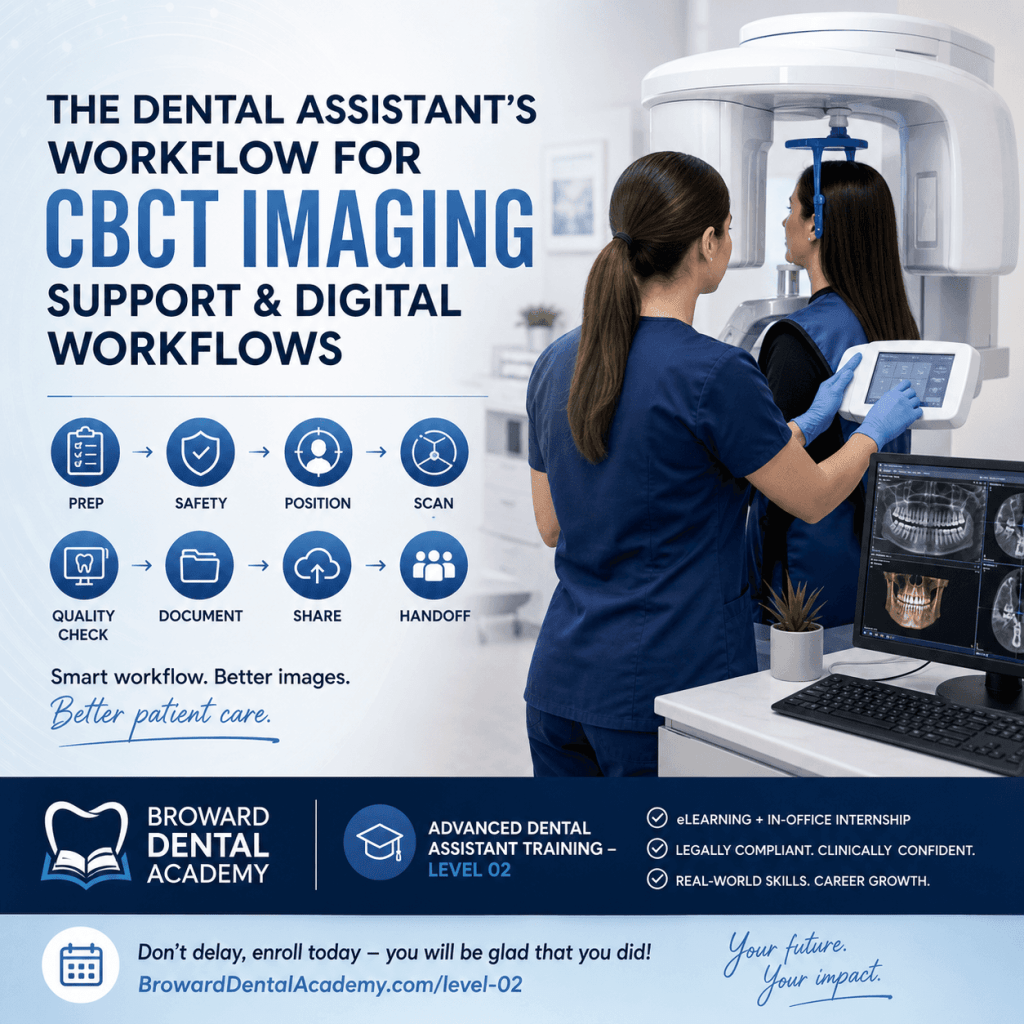
- CBCT (cone beam CT): used for implants, complex endodontic cases, surgical planning, airway assessment, and more (depending on the practice).
An assistant’s role often includes setup, patient preparation, positioning, infection control steps, and documentation.
Patient prep and positioning: how to get diagnostic images with fewer retakes
The best way to reduce retakes is not “better settings.” It is better preparation and positioning.
Pre-brief the patient (fast, calm, confident)
A simple script can prevent a lot of movement and anxiety:
- Tell them what they will feel: pressure, sensor edges, or a bulky holder.
- Tell them how long it takes: usually just a few seconds per image.
- Coach stillness: “Bite gently and stay very still.”
Follow office protocol for pregnancy policy questions and medical history alerts.
Comfort and infection control
- Use barriers and sensor sleeves properly.
- Perform hand hygiene before and after.
- Manage saliva and gag reflex professionally, without rushing or sounding frustrated.
- Keep the receptor as comfortable as possible without sacrificing diagnostic coverage.
Positioning principles that matter most
- Head alignment: keep the midline straight.
- Occlusal plane: level when needed for the image type.
- Receptor placement: correct location first, then angle, then stability.
- Aiming: align the PID accurately with the holder ring when using positioning devices.
For more detailed guidance on patient preparation and addressing common concerns during imaging procedures, refer to this frequently asked questions resource.
Practical troubleshooting you will see quickly
- Tori: adjust receptor placement gently, use smaller receptors if available, and take your time.
- Small mouths: PSP plates can help; careful holder selection matters.
- Limited opening: focus on comfort, modify placement, and communicate with the dentist if images cannot be obtained.
- Gag reflex: breathe coaching, salt on the tongue (if office protocol allows), distraction techniques, and faster but accurate placement.
- Pediatric patients: use age-appropriate language, quick steps, and positive coaching.
- Anxious patients: explain each step and avoid surprises.
Common errors in dental radiography (and how to fix them fast)
Errors happen. What matters is learning to recognize patterns so you can correct them quickly.
Cone cuts
What they look like: a clear, unexposed area where the beam missed the receptor.
Why they happen: PID not centered on the receptor.
Fix: re-align the PID with the receptor or holder ring, then re-expose.
Elongation and foreshortening
Why they happen: incorrect vertical angulation.
Fix: rely on positioning holders when possible and confirm the tube head angle before you expose.
Overlapping contacts on bitewings
Why it happens: incorrect horizontal angulation.
Fix: aim the beam through the contacts. Adjust slightly until you open the interproximal spaces.
Blur or motion
Why it happens: patient movement or unstable receptor.
Fix: coach stillness, stabilize the holder, and make sure the patient is biting correctly.
Poor contrast or missing anatomy (apices, crestal bone)
Why it happens: exposure selection, receptor placement, or angulation errors.
Fix: identify what is missing first, then adjust placement or settings based on office protocol.
The mindset that helps most: consistent technique beats guesswork. Every retake should teach you one specific adjustment for next time.
From image to chart: basic workflow in dental radiology software
Digital systems make imaging faster, but they also make it easier to misfile an image if you are moving too quickly.
After exposure, your typical workflow looks like this:
- The image appears on the screen (or after scanning if using PSP).
- You do a quick evaluation for coverage and clarity.
- You decide whether a retake is needed, using office standards.
- You save and label the image correctly to the right patient, date, and tooth region.
“Quality check” habits to build early
Before the patient leaves the operatory, confirm:
- Correct patient chart is open
- Right/left orientation is correct
- The image is diagnostic (not just “visible”)
- Required anatomy is captured (contacts, apices, crestal bone, or area of concern)
Enhancements: what is appropriate
Brightness and contrast adjustments are commonly used for viewing. Follow office policy and never use tools in a way that changes clinical meaning or misrepresents findings.
Consistent naming and chart notes support the dentist, improve handoffs, and protect the practice.
For more information on how to improve your imaging techniques and avoid common pitfalls such as poor contrast or missing anatomy in dental radiology, refer to this research article.
How to build confidence quickly: a simple learning path for new dental assistants
Confidence comes from structured and reviewed repetitions.
Here’s a practical progression that works in real offices:
- Start with bitewings until your contacts are consistently open.
- Add periapicals one region at a time (anteriors, premolars, molars).
- Practice patients with challenging anatomy (tori, gag reflex, limited opening).
- Expand to panoramic positioning if your practice performs panos routinely.
Deliberate practice matters more than volume. After a set of images, ask:
- What went well?
- What error showed up repeatedly?
- What is the one adjustment I will make next time?
Communication skills are part of radiography success. Assistants who can calmly coach patients through bite pressure, tongue position, breathing, and staying still usually get better images with fewer retakes.
That confidence translates directly into being a high-performance team member: smoother appointments, fewer delays, and a better patient experience.
Training that translates to the real world: what Broward Dental Academy emphasizes
At the Broward Dental Academy, we focus on producing thoroughly trained, legally compliant, clinically confident professionals, not just exam passers.
Students benefit from a structured learning experience designed to match modern practice expectations, which includes:
- Immediate immersion across online and clinical settings
- Modern eLearning lesson plans that support clear, step-by-step skill development
- In-office internships that help students become accomplished and polished in real workflows, including day-to-day radiography routines, documentation habits, and patient communication
This real-world emphasis is crucial because the demand for skilled dental professionals continues to rise. Practices are actively looking for assistants who can contribute quickly, safely, and confidently. The long-term benefits can include stable income potential, flexible scheduling options, career mobility, and expanded functions as your skills grow.
The training at Broward Dental Academy is comprehensive and spans various levels such as the Dental Assistant Level 01 Training, Dental Assistant Level 02 Training, and Dental Assistant Hygienists Level 03 Training. Each level builds upon the last and helps in becoming job-ready for a modern dental office by integrating essential radiography knowledge seamlessly into the curriculum.
Next steps: turn this introduction into a job-ready skill set
Dental radiography becomes much easier when you focus on the essentials:
safe technique + correct positioning + consistent workflow = diagnostic images and patient trust.
If you want to become truly confident with dental X-ray machines, common projections, software workflow, and compliance habits, structured training is the fastest route from “new” to job-ready. Visit the Dental Assistant Level 01 Training page to take the next step, and if you are ready to move forward, here is the simplest advice:
Don’t delay, enroll today – you will be glad that you did!
FAQs (Frequently Asked Questions)
Why is dental radiography essential for new dental assistants to learn early?
Dental radiography is crucial because dental radiographs provide core clinical information that supports everyday dentistry. They help diagnose hidden problems like interproximal decay and bone loss, assist in accurate treatment planning especially in specialties like oral surgery and endodontics, educate patients with visual aids, and document care for clinical decisions, insurance, and legal records. Learning radiography early enables new assistants to be confident, compliant, and valuable team members.
What are the main steps in the dental radiography workflow that assistants should master?
The dental radiography workflow includes: 1) Room setup and infection control; 2) Patient preparation and positioning; 3) Image capture; 4) Image review, labeling, and charting; and 5) Communication with the dentist and clinical team. Mastering each step ensures accuracy, safety, and efficiency in a modern dental office.
What is the difference between intraoral and extraoral radiographs?
Intraoral radiographs involve placing the receptor inside the mouth to capture images such as bitewings, periapicals, and occlusals. Extraoral radiographs have the receptor positioned outside the mouth and include panoramic, cephalometric, and sometimes CBCT images. Both types provide complementary diagnostic information essential for comprehensive dental care.
What are the primary components of a typical dental X-ray machine?
A typical dental X-ray machine includes: the tube head (which produces X-rays), the PID or position-indicating device (the cone that aims the beam), the control panel (where exposure settings are selected), the exposure button (which activates radiation when pressed), and the mounting arm (allowing flexible positioning). Some offices also use portable units requiring strict safety protocols.
How does a dental X-ray image form on a receptor?
The X-ray machine emits a beam that passes through the patient’s mouth. Dense structures like enamel and bone absorb more radiation appearing lighter on the image, while less dense areas such as soft tissue absorb less radiation appearing darker. The receptor—sensor, phosphor plate, or film—captures this pattern to create a radiograph that can be viewed and stored digitally or physically.
How can new dental assistants enhance their credentials in dental radiography?
New dental assistants can enhance their credentials by obtaining certification in dental radiography through accredited programs. Enrolling in specialized courses covering essential topics in dental imaging improves knowledge and clinical confidence. Additionally, exploring reputable institutions offering comprehensive training courses and locating nearby educational centers supports career growth in this fast-growing healthcare field.